Main navigation
- Learning Solutions
- Service & Support
- About Us
- Sign In

Copyright: 2026
Author: Audrey Roggenkamp
Contributions by: Nita Rutkosky & Ian Rutkosky
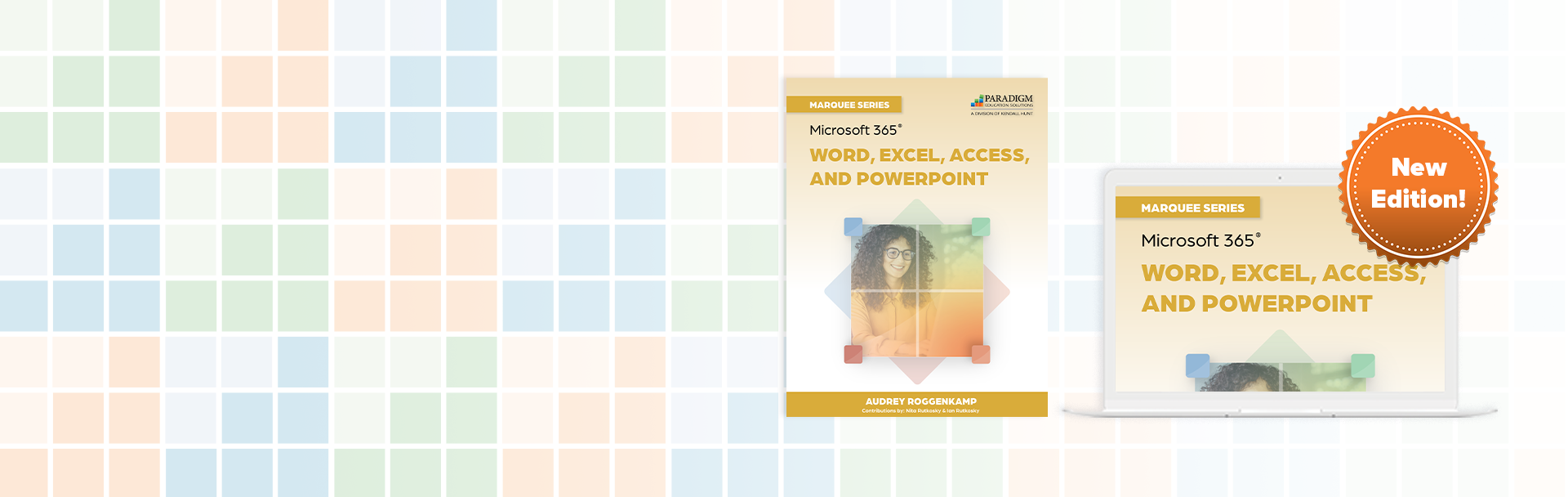
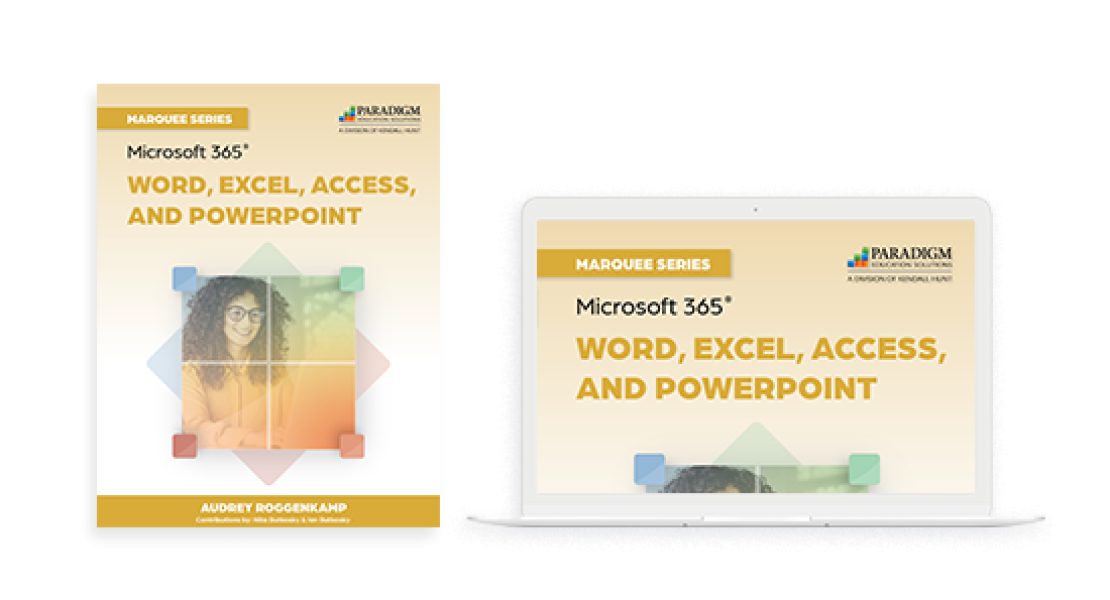
The Marquee Series prepares students to work with Microsoft 365 applications for business or personal use. Incorporating an accelerated, step-by-step, project-based approach, this courseware helps students build competency in effectively using Word, Excel, Access, and PowerPoint.
Information Technology Essentials
Getting Started
Word
Introducing Word
Getting Started
Section 1: Creating and Editing a Document
Section 2: Formatting Characters and Paragraphs
Section 3: Formatting and Enhancing a Document
Section 4: Formatting with Special Features
Excel
Introducing Excel
Getting Started
Section 1: Organizing and Analyzing Data
Section 2: Editing and Formatting Worksheets
Section 3: Using Functions, Adding Visual Elements, and Setting Page Layout
Section 4: Working with Multiple Worksheets, Tables, and Other File Formats
Integrating Applications
Access
Introducing Access
Getting Started
Section 1: Maintaining Data in Access Tables
Section 2: Creating Tables and Relationships
Section 3: Creating Queries, Forms, and Reports
Section 4: Summarizing Data and Calculating in Forms and Reports
Integrating Applications
PowerPoint
Introducing PowerPoint
Getting Started
Section 1: Preparing a Presentation
Section 2: Editing and Enhancing Slides
Section 3: Customizing a Presentation
Integrating Applications
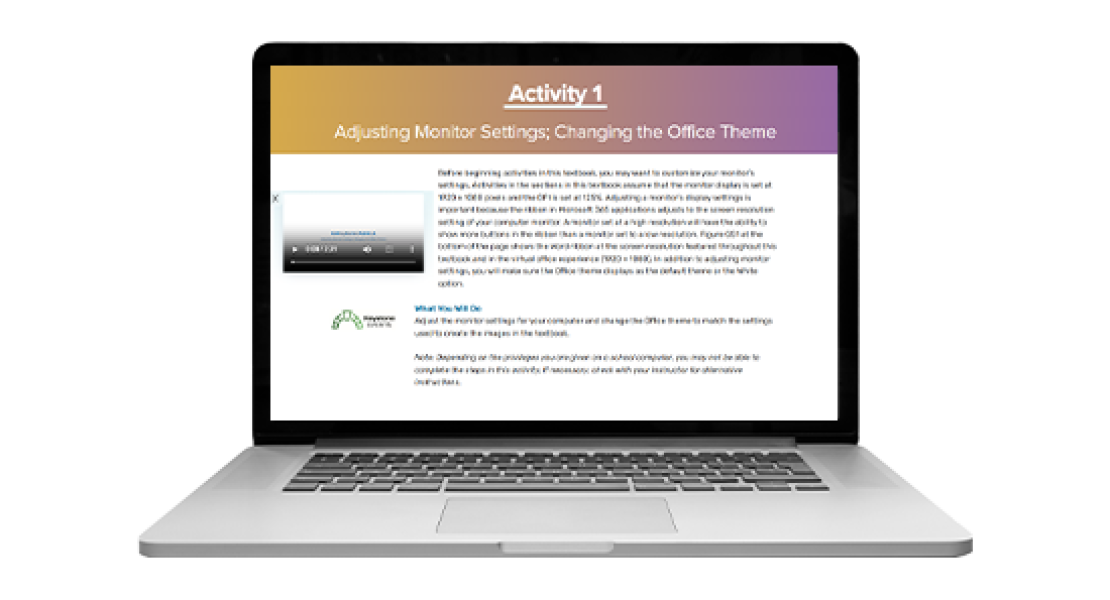

Powered by Cirrus 2.0, Marquee Series:
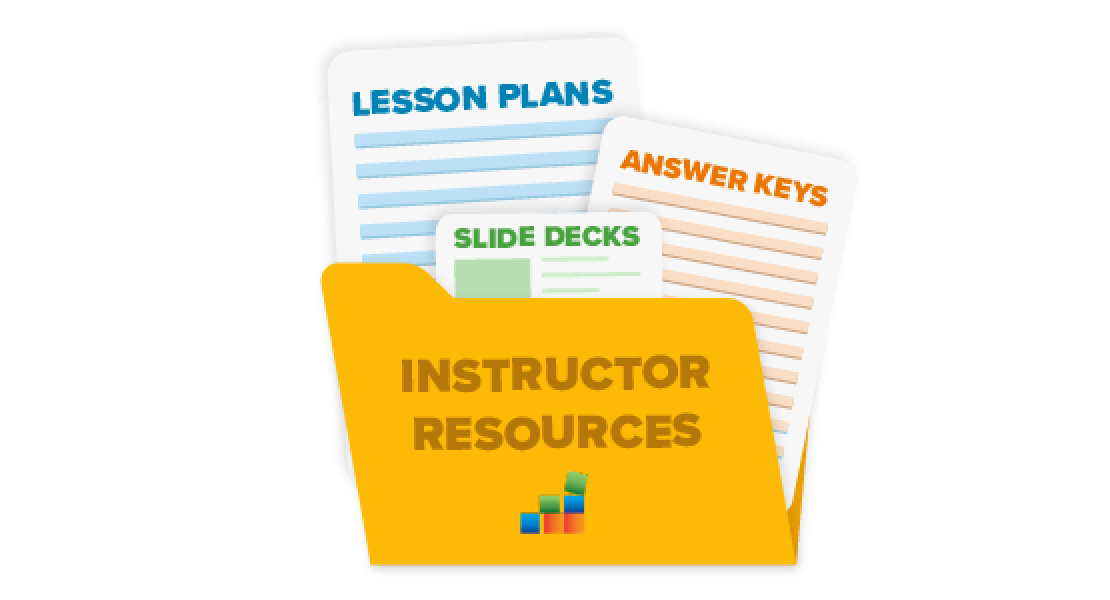
Instructor resources include:
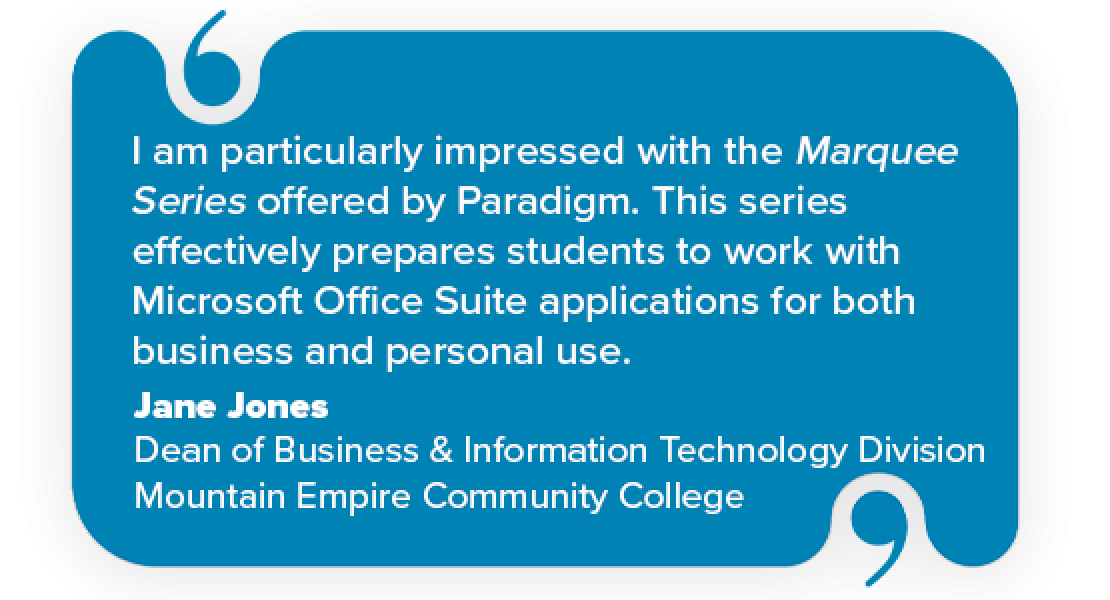
"I am particularly impressed with the Marquee Series offered by Paradigm. This series effectively prepares students to work with Microsoft Office Suite applications for both business and personal use. The accelerated, step-by-step, project-based approach of the Marquee Series helps students build the necessary competencies to use these applications efficiently."
Jane Jones, Dean of Business & Information Technology Division
Mountain Empire Community College
"The Marquee and Benchmark Series offers a comprehensive suite of applications that cater to a wide range of computer skills. Students gain proficiency in essential areas like database management, word processing, spreadsheets, and presentation software. The software's intuitive interface makes it easy for students to grasp complex concepts quickly, allowing them to focus on mastering the material rather than struggling with cumbersome software. We value the content, the service we’re provided by our account representatives, and technical support being there to support our students when required."
Dennis Sigur, Assistant Professor of Computer Science
Dillard University